What debugging AI agents taught me about observability
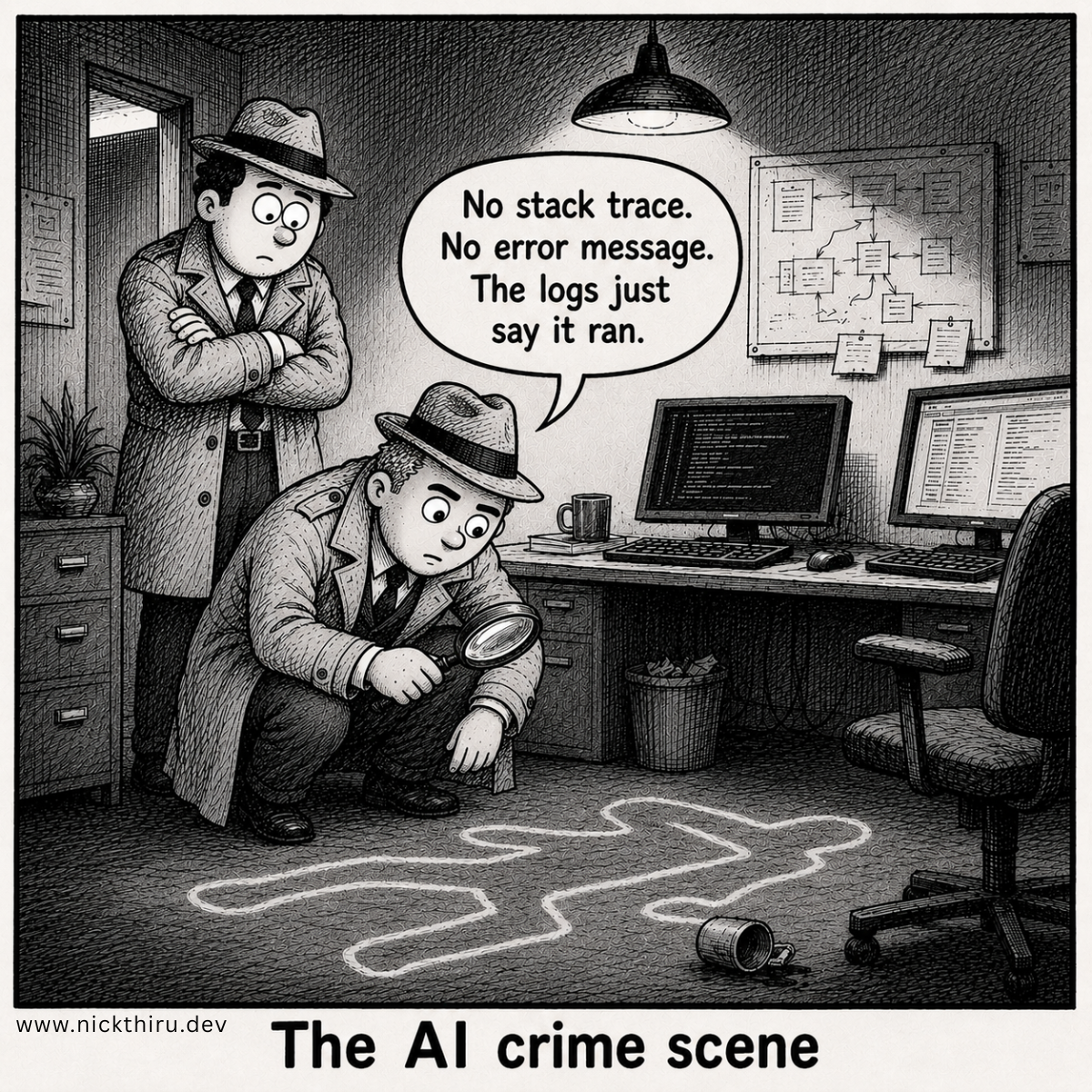
The first time I got a “your agent did something weird” message from a user, I did the usual thing:
- Pull logs
- Search for an error
- Find nothing useful
And then I hit the wall: agents don’t fail like normal code.
When an LLM is making decisions, “INFO: tool called” is basically the same as saying “something happened.” That tells you nothing you need to know.
This is what production incidents taught me about observability for AI agents.
The Problem with Traditional Logging
Traditional apps are mostly deterministic. You log:
INFO: user requested action X
INFO: fetched data from API
INFO: returned result Y
That gives you a narrative.
With agents, the naive version looks like:
INFO: agent received task
INFO: agent called tool
INFO: agent returned response
…and it tells you nothing that helps you answer the question you actually care about:
Why did it do that?
The agent made a sequence of decisions: which tools to call, in what order, with what inputs. Your logs contain none of that reasoning. You can see that something happened. You cannot reconstruct why.
What I Got Wrong First
My first instinct was to log everything. Full tool payloads in, full tool payloads out. Every prompt, verbatim. Every response, verbatim. If it passed through the agent, I wanted it in the log.
This seems like the right instinct. And for a demo agent running against synthetic test data, it is.
For a production agent that touches real user data, it creates a different problem: your observability store becomes a personal data store, and you never decided that was what it was. No retention policy. No access controls. No deletion schedule. The logs just accumulate indefinitely.
The lesson I had to learn is that logging and observability are not about capturing everything. They are about capturing the right things, specified before you write the instrumentation code, not after.
The Three Things I Now Log
1. Full state at decision points
This is the one most people skip and regret most, I have observed. When your agent arrives at a branching decision: which tool to call next, whether to loop or finish, whether quality is sufficient, log the complete state that informed that decision.
Not the action taken. The state that produced it.
function logDecisionPoint(params: {
  logger: Logger;
  traceId: string;
  decisionName: string;
  state: AgentState;
  outcome: string;
}) {
  const { logger, traceId, decisionName, state, outcome } = params;

  logger.info({
    event: "decision_point",
    traceId,
    decisionName,
    outcome,
    stateSnapshot: sanitizeForLog(state), // see note below
  });
}
When something goes wrong, you can reconstruct the exact state the agent was in when it made the wrong call. Without this, you’re guessing.
One important note on sanitizeForLog: if your state object contains personal data about users or third parties, you need a sanitization function that strips or pseudonymizes those fields before the log is written. The log entry should contain enough to reconstruct the decision logic: identifiers, scores, flags. Not raw personal data content. Decide what fields are loggable when you design the state schema, not when something breaks at 2 AM.
2. Structured tool call metadata: not raw payloads
This is the one I had to unlearn. The temptation is to log tool inputs and outputs verbatim. You want to replay the exact exchange. That reasoning is sound, but the implementation is wrong.
What you actually need is: did the tool call succeed, how long did it take, and which call was it? That’s enough to reconstruct the execution sequence and identify where things went wrong.
export async function tracedToolCall<
  TInput extends Record<string, unknown>,
  TOutput,
>(params: {
  logger: Logger;
  traceId: string;
  toolName: string;
  toolInput: TInput;
  execute: (toolName: string, toolInput: TInput) => Promise<TOutput>;
}): Promise<TOutput> {
  const { logger, traceId, toolName, toolInput, execute } = params;
  const start = performance.now();

  logger.info({
    event: "tool_call_start",
    traceId,
    tool: toolName,
    // Note: toolInput is NOT logged here — see below
  });

  try {
    const output = await execute(toolName, toolInput);
    logger.info({
      event: "tool_call_success",
      traceId,
      tool: toolName,
      statusCode: 200,
      durationMs: performance.now() - start,
      // Note: output content is NOT logged here — see below
    });
    return output;
  } catch (e) {
    logger.error({
      event: "tool_call_error",
      traceId,
      tool: toolName,
      error: e instanceof Error ? e.message : String(e),
      errorType: e instanceof Error ? e.name : "Unknown",
      durationMs: performance.now() - start,
    });
    throw e;
  }
}
Why not log the payload? Two reasons.
First, the practical reason: tool inputs and outputs often contain personal data about the users or third parties your agent is acting on behalf of. Logging that content verbatim turns your observability store into an uncontrolled personal data store. You’d need to apply full data governance to your trace logs: retention
periods, access controls, deletion schedules, the same as any other personal data store. That’s a significant overhead, and it’s easy to miss.
Second, the debugging reason: raw payload content is usually not what you need to reconstruct a failure. You need the correlation ID, the tool name, the status, and the latency. That’s the skeleton of what happened. If you need to go deeper on a specific incident, you retrieve the structured audit record for that call, a
separate, explicitly governed store, not your trace log.
The mental model shift: trace logs tell you that something happened and when. Audit records tell you what the content was. They are different artifacts with different access controls and different retention periods.
3. The prompt — but with a rule that depends on what it contains
This is the one I resisted longest, and the one that has the most nuance once you think it through.
Nobody tells you this, but the prompt is code. The exact prompt, with the exact context assembled at that moment, is what produced the output. If you can’t reproduce the prompt, you can’t reproduce the behavior. Step 4 of any replay-based debugging workflow depends on having it.
But here’s the rule I now apply:
Case 1 — Your prompts contain no personal data about third parties:
Log them. They are gold for debugging. Store them with a trace ID and a timestamp. A prompt that contains only system instructions, few-shot examples built from synthetic data, and non-personal context is a pure debugging artifact. Log it.
// Case 1: no personal data in prompt — log freely
export async function logLLMCall(params: {
  logger: Logger;
  traceId: string;
  prompt: string;
  model: string;
  usage: { inputTokens: number; outputTokens: number };
  costUsd: number;
}) {
  const { logger, traceId, prompt, model, usage, costUsd } = params;

  logger.info({
    event: "llm_call",
    traceId,
    model,
    prompt, // safe to log: no personal data
    promptLength: prompt.length,
    inputTokens: usage.inputTokens,
    outputTokens: usage.outputTokens,
    costUsd,
  });
}
Case 2 — Your prompts contain personal data about users or third parties:
This is a different decision entirely, and collapsing it into the same rule as Case 1 is a mistake.
A prompt that contains personal data (someone’s name, organisation details, a document they uploaded, email content) is a personal data payload. If you log it, your log is now a personal data store. You need a retention policy. You need access controls. You need a deletion schedule. You need to decide whether your
observability tooling (Datadog, Sentry, Honeycomb, whatever you’re using) is an authorised processor of that personal data.
This doesn’t mean “don’t log prompts.” It means: design the logging decision at the same time as you design the prompt architecture.
// Case 2: personal data in prompt — sanitize before logging
export async function logLLMCallWithPersonalData(params: {
  logger: Logger;
  traceId: string;
  prompt: string;
  model: string;
  usage: { inputTokens: number; outputTokens: number };
  costUsd: number;
  sanitize: (prompt: string) => string; // strips/pseudonymizes personal data fields
}) {
  const { logger, traceId, prompt, model, usage, costUsd, sanitize } = params;

  logger.info({
    event: "llm_call",
    traceId,
    model,
    prompt: sanitize(prompt), // sanitized version only — personal data removed
    promptLength: prompt.length,
    inputTokens: usage.inputTokens,
    outputTokens: usage.outputTokens,
    costUsd,
  });
}
The sanitize function strips personal data fields from the assembled prompt before it reaches the log. What you preserve is enough to identify the prompt template and the structure that was used, which is what you need to reproduce the behavior, without retaining the specific personal data that was in it.
You also need to decide whether the unsanitized prompt is stored anywhere for audit purposes. If it is, that store needs full data governance treatment. If it is not, you accept the trade-off that you cannot fully replay a failure that involved personal data. You can reconstruct the structure but not the exact inputs.
That is a deliberate architectural decision, not a gap.
The Observability Architecture Decision, Not the Observability Tradeoff
I used to think of this as a tension: privacy vs. observability, a dial you tune based on environment and judgment.
That framing is wrong, and it leads to bad outcomes. When you treat it as a dial, the decision keeps getting deferred: “we’ll tighten this up when we have time.” You end up with logs containing personal data that nobody intended to be there, with no retention controls and no deletion schedule.
The right framing is: observability is an architecture decision, not a runtime tuning problem.
Decide what each log type contains before you write the instrumentation code:
- Decision point logs: state snapshots with personal data fields stripped or pseudonymized. Retention: operational window (e.g., 30 days).
- Tool call trace logs: tool name, correlation ID, status code, latency. No payload content. Retention: operational window (e.g., 30 days).
- Prompt logs (no personal data): full prompt content with trace ID. Retention: debugging window (e.g., 7 days).
- Prompt logs (personal data present): sanitized prompt structure only. Retention: same debugging window, applied to the sanitized version.
- Audit records: structured event records with explicitly governed content. Retention: compliance-driven (longer, with access controls).
Lock these rules in your logging configuration. Not in a README. In configuration that your instrumentation code reads at startup. Dev and production can have different verbosity levels, but both must respect the sanitization rules. Personal data does not appear in logs in production because you designed it that way, not because you remembered to be careful.
The Debugging Workflow
When something breaks, here is the workflow that stops me from flailing:
- Find the trace ID — every request gets one at entry; it propagates through all log events
- Reconstruct the state timeline from decision point logs — see what state the agent was in at each branching decision
- Identify the divergence point — where the state or the decision outcome diverged from what you expected
- Replay using the prompt and model — if the prompt at that step is available (Case 1 above), replay it directly. If personal data was involved (Case 2), replay using the sanitized prompt structure and substitute representative synthetic data for the personal data fields.
Step 4 is the real unlock. The prompt at that specific moment, with that specific context assembled into it, is what determines the behavior. Without it, you are guessing at what the model received. With it, or with a structurally equivalent synthetic reconstruction, you can reproduce the problem and test the fix.
The constraint in Case 2 is real: you cannot always do a perfect replay when personal data was involved. But you can usually do a structurally equivalent replay, which is enough to understand why the model behaved the way it did and verify that your fix works.
What I’m Still Figuring Out
A few things I don’t have perfect answers for yet:
- How much state to snapshot at decision points without the snapshot itself becoming expensive to write and store
- Sampling strategies for high-volume agents — you cannot log every decision point at full rate without significant cost
- How to handle the audit record store in a way that satisfies both compliance retention requirements and keeps the store queryable without exposing it broadly
Your Turn
If you’re running agents in production: have you hit the moment where your logs were technically complete but couldn’t tell you why the agent made the decision it did? What changed in your instrumentation setup after that?
Have thoughts on this? I'd love to hear them. The conversation is happening on: